
Machine Drawing & design1.0.2 - Google Play
You'll be able to see results in few seconds.
Publisher Description
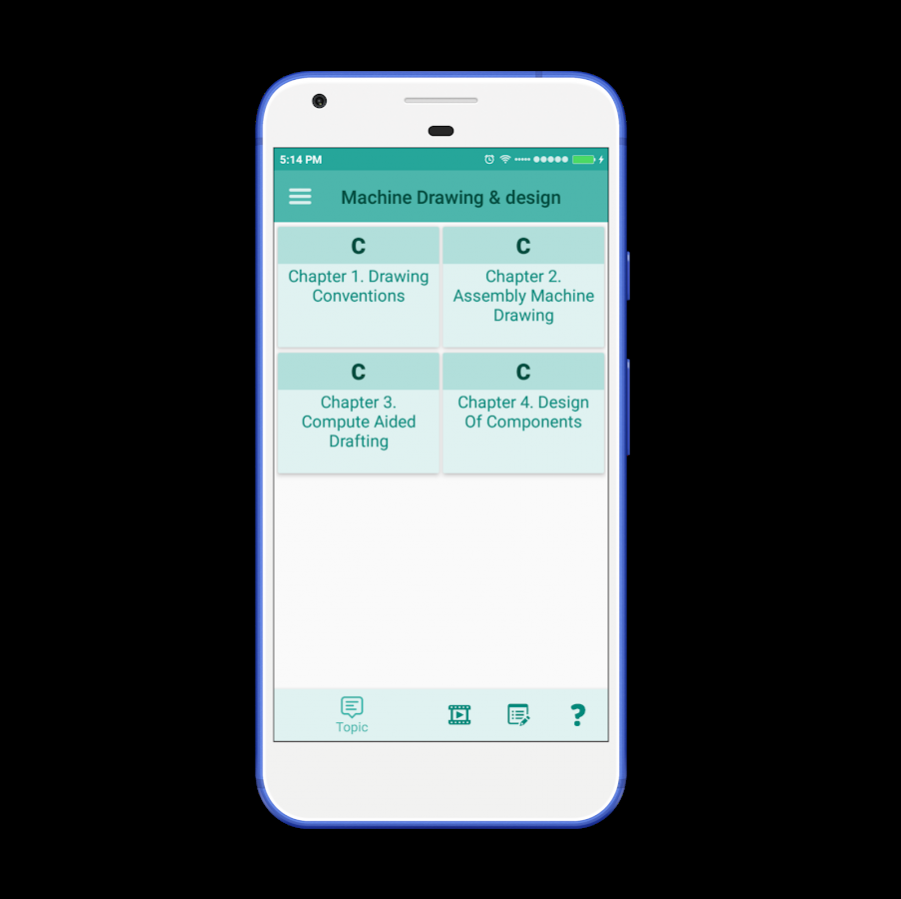
Machine drawing & design notes for mechanical engineering students. Machine drawing & design app almost covers important topics chapter wise :-
Chapter : 1
Drawing conventions; drawing and dimensioning IS codes, sectional views and sectioning, surface finish
and tolerances, representation of machine parts such as external and internal threads, slotted heads, square
ends, and flat radial ribs, slotted shaft, splined shafts, bearings, springs, gears. Rivet heads and Riveted
joints, types of welded joints and representation.
Chapter : 2
Assembly Machine Drawing: Basic concept, plotting technique, assembly and blow up of parts, bill of
materials, product data; Cotter and Knuckle joints, pedestal and footstep bearings, crosshead, stuffing
box, IC engines parts - piston and connecting rods; lath machine parts.
Chapter : 3
Introduction to Compute Aided Drafting software for 2D and 3D Modeling, Basic design
concepts, design process, stages/phases in design, flowchart, problem formulation, design
considerations (strength, manufacturing, maintenance, environment, economics and safety); design for
recycle and reuse, Design and safety factors for steady and variable loads, impact and fatigue
considerations, reliability and optimization, standardization in design..
Chapter : 4
Design of components subject to static loads: riveted joints, welded joints threaded joints, pin, key
knuckle, and cotter joints
About Machine Drawing & design
The company that develops Machine Drawing & design is Engineering Hub. The latest version released by its developer is 1.0.2.
To install Machine Drawing & design on your Android device, just click the green Continue To App button above to start the installation process. The app is listed on our website since 2019-05-04 and was downloaded 0 times. We have already checked if the download link is safe, however for your own protection we recommend that you scan the downloaded app with your antivirus. Your antivirus may detect the Machine Drawing & design as malware as malware if the download link to com.infoland.machine_drawing_design is broken.
How to install Machine Drawing & design on your Android device:
- Click on the Continue To App button on our website. This will redirect you to Google Play.
- Once the Machine Drawing & design is shown in the Google Play listing of your Android device, you can start its download and installation. Tap on the Install button located below the search bar and to the right of the app icon.
- A pop-up window with the permissions required by Machine Drawing & design will be shown. Click on Accept to continue the process.
- Machine Drawing & design will be downloaded onto your device, displaying a progress. Once the download completes, the installation will start and you'll get a notification after the installation is finished.
Program Details
System requirements
Download information
Pricing
Version History
version 1.0.2
posted on 2019-05-04
version 1.0.3
posted on 2018-02-01
Smart UI
Theme Setting-Background Color,Font Size,Font Style,Day Night Mode.
Bookmarks
History
Dictionary
version 1.2
posted on 2016-07-03
Simple,clean,interactive & fast UI
Disclaimer
Official Google Play Link
We do not host Machine Drawing & design on our servers. We did not scan it for viruses, adware, spyware or other type of malware. This app is hosted by Google and passed their terms and conditions to be listed there. We recommend caution when installing it.
The Google Play link for Machine Drawing & design is provided to you by apps112.com without any warranties, representations or guarantees of any kind, so access it at your own risk.
If you have questions regarding this particular app contact the publisher directly. For questions about the functionalities of apps112.com contact us.
